 CastPulse
The podcast production planner for Mac.
CastPulse is a production home for independent podcasters and YouTubers. Shape ideas, book guests, track sponsors, and follow every episode from first spark to published show, all in one Mac app.
 One-month free trial · then $4.99/month or $39.99/year · macOS 26 or later
Published · Updated
What does CastPulse do?
Podcast production is a lot of small jobs: booking guests, chasing sponsors, writing show notes, and remembering what comes next. CastPulse puts them in order.
-
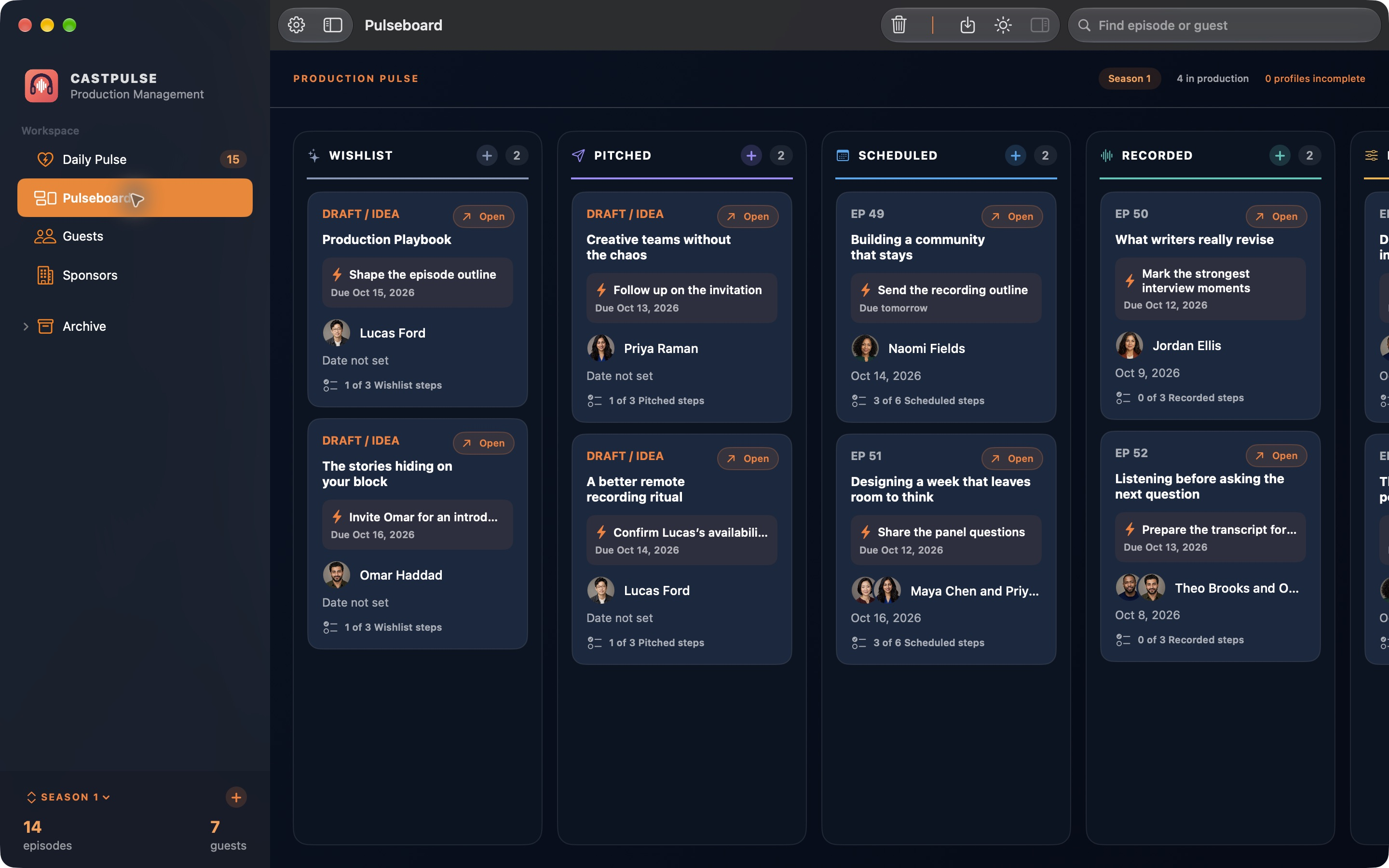
A visual episode pipeline
Every episode moves across a board from idea to published, so you can see at a glance where each one stands.
-
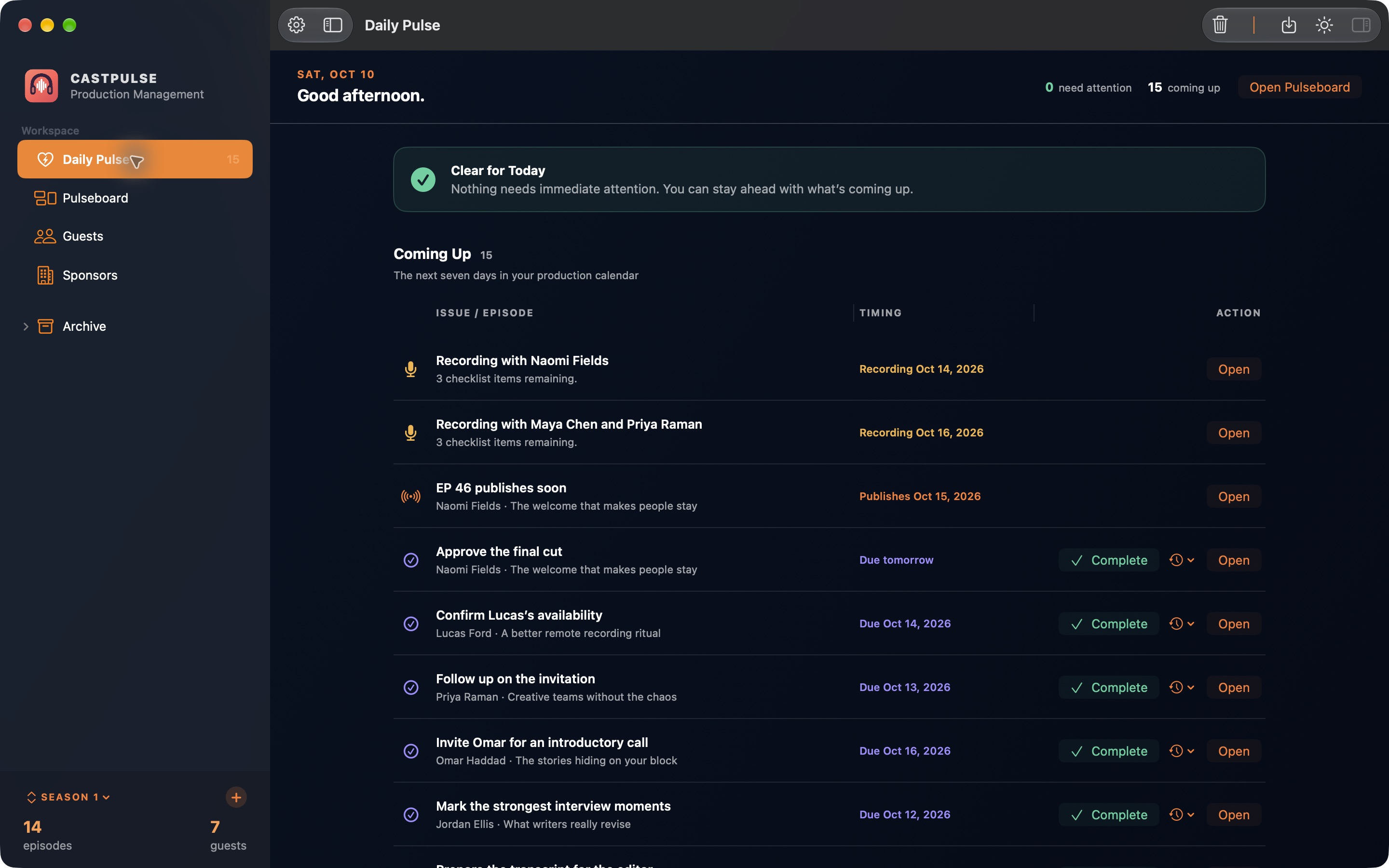
The daily production pulse
One view of what needs you today, across every episode, so nothing waits on a task you forgot.
-
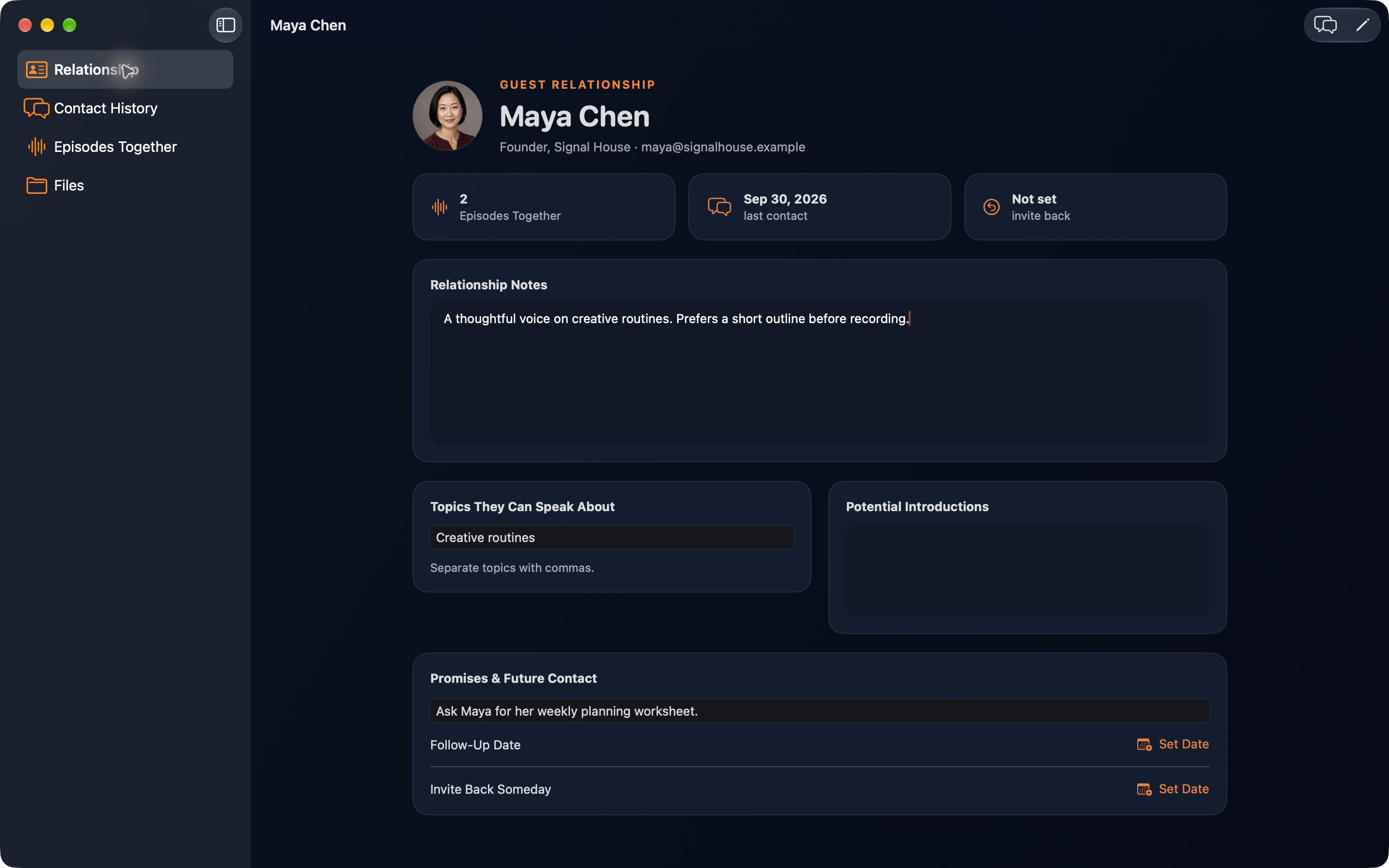
Guest management for podcasters
Keep guest bookings and follow-ups next to the episode each guest is on, so nobody falls through the cracks.
-
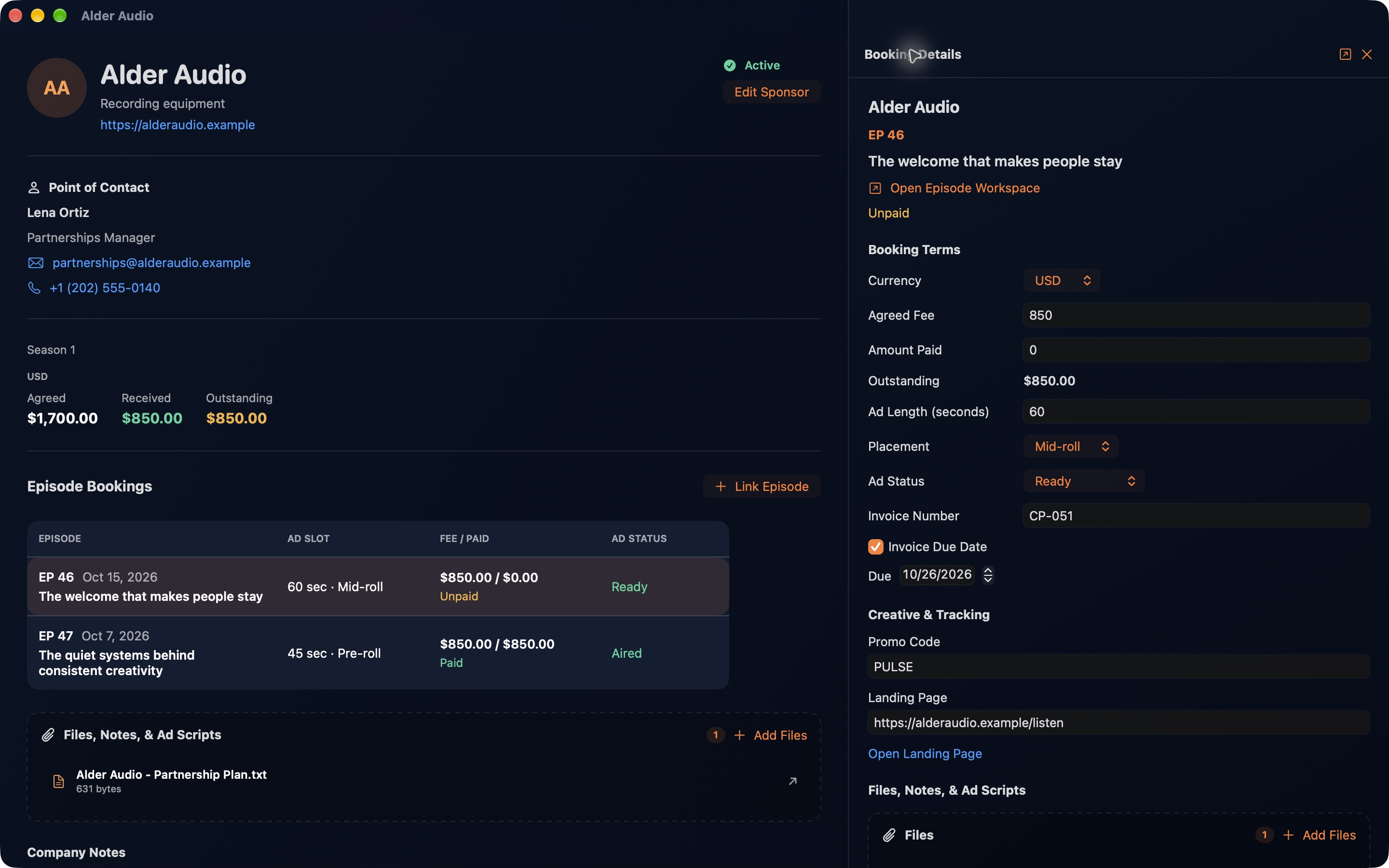
Sponsors in the same place
Track which sponsors go with which episodes, right beside the rest of your production plan.
-
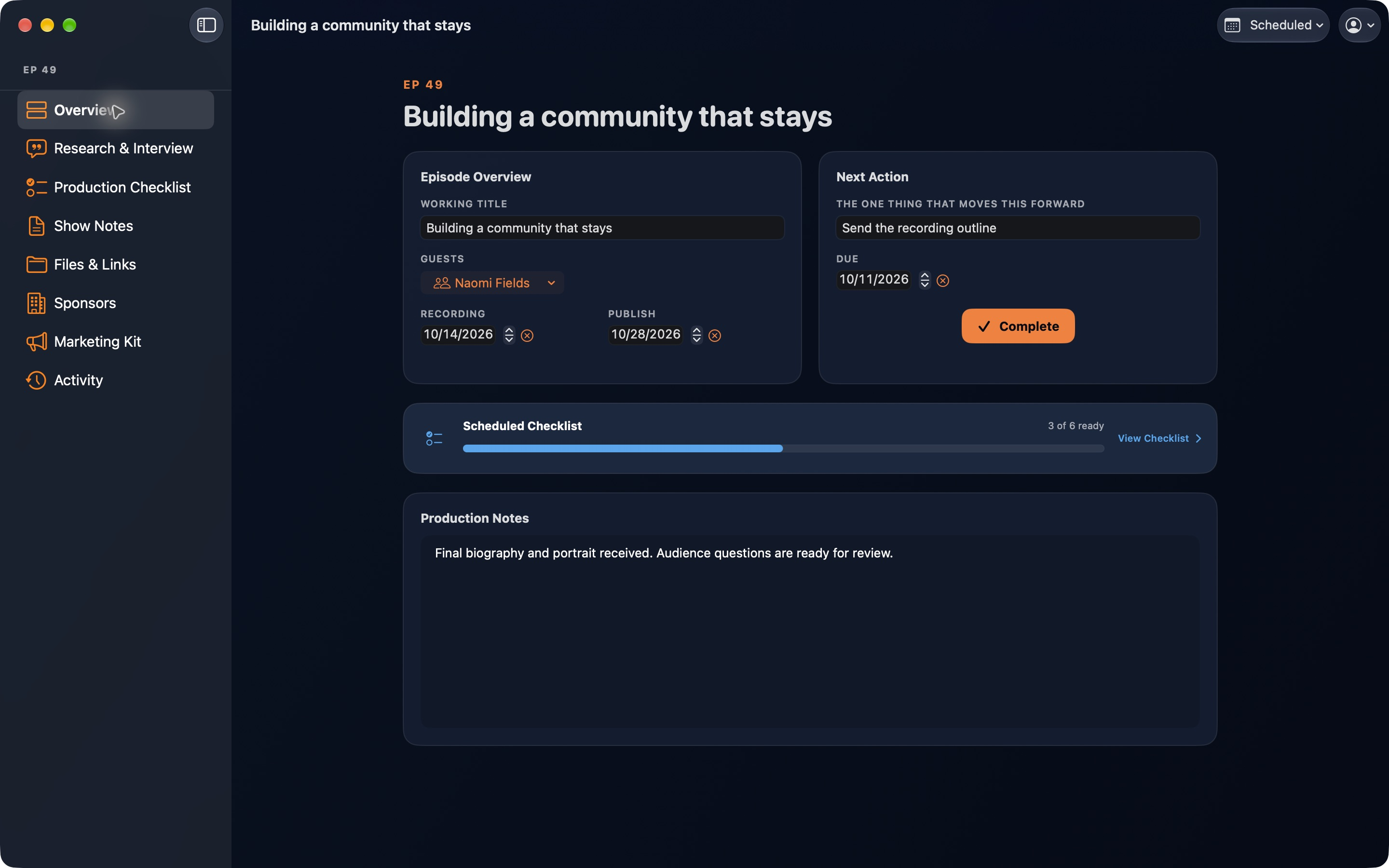
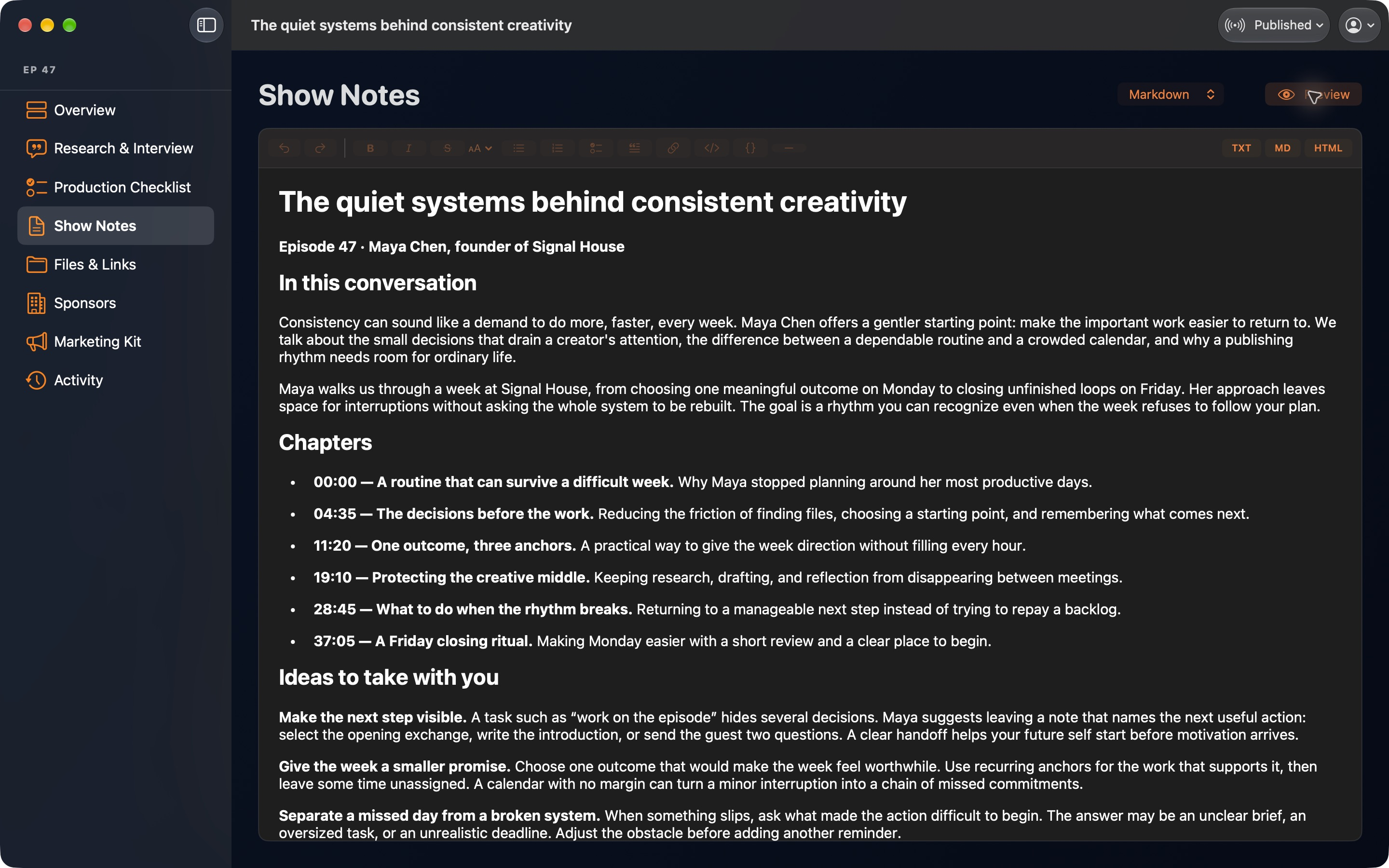
Show notes, files, and checklists
Show notes, files, and checklists sit with each episode, so show prep lives in one place instead of five.
-
Private by design
Your plans stay on your Mac. No account, no analytics, no tracking.
See how CastPulse compares with a Notion podcast template for planning episodes on a Mac.
Questions, answered.
Something else on your mind? Ask on the support page and I’ll reply personally.
What is CastPulse?
CastPulse is a podcast production planner for Mac, made for independent podcasters and YouTubers. It brings episode ideas, guests, sponsors, show notes, and every production stage into one place, from first spark to published show.
Where can I get CastPulse?
CastPulse is available now on the Mac App Store. Start with a one-month free trial, then subscribe for $4.99/month or $39.99/year.
Does CastPulse record or edit audio?
No. CastPulse handles everything around the recording: planning, guests, sponsors, notes, files, and checklists. Keep recording and editing in the audio tools you already use.
Can CastPulse manage podcast guests?
Yes. CastPulse keeps guest bookings and follow-ups next to the episodes they belong to, so you know who is confirmed and who needs a nudge.
Can I import my podcast spreadsheet into CastPulse?
Yes. If you track production in a spreadsheet today, export it as a CSV file and import it into CastPulse to bring your episodes with you.
How much does CastPulse cost?
As of October 2026, CastPulse is free to download with a one-month free trial, then $4.99 USD a month or $39.99 USD a year, billed through the Mac App Store.
What do I need to run CastPulse?
CastPulse runs on Macs with macOS 26 or later. The app is available in English, Dutch, French, German, Japanese, Korean, Simplified Chinese, Spanish, and Ukrainian.
Is my podcast data private?
Yes. CastPulse stores your data on your Mac. It has no account, analytics, advertising, or tracking, and LittleApps4U cannot see what you enter. The privacy policy has the details.
How is CastPulse different from a Notion podcast template?
A Notion template is a general-purpose workspace you shape into a podcast planner yourself. CastPulse is built for podcast production from the start, with the episode pipeline, daily production pulse, guests, and sponsors ready on day one, and your data stays on your Mac. Read the full comparison.